Photo to Storybook Illustration — Turn Photos into Fairytale Book Art
Upload one photo and get a whimsical storybook illustration in 4:5 portrait. The AI redraws the scene with soft ink lines, painterly color, and the warm feel of a children's book page.
Turn a photo into a Storybook Illustration in three steps
Upload, prompt, render. The composer locks the 4:5 portrait ratio so the output is ready to post or print.
Choose a story-worthy photo
Portraits, pets, interiors, and nature scenes all translate well. The AI keeps the composition but redraws it in storybook language.
Set the tale
The default prompt asks for soft ink and watercolor warmth. Add season, mood, or book-era references to match the story you are telling.
Get a 4:5 storybook page
Locked to 4:5 portrait. The result looks like a finished book illustration — ready for prints, covers, or social storytelling.
See the transformation
A photo becomes a fairytale illustration — soft ink lines, painterly color, and storybook warmth.
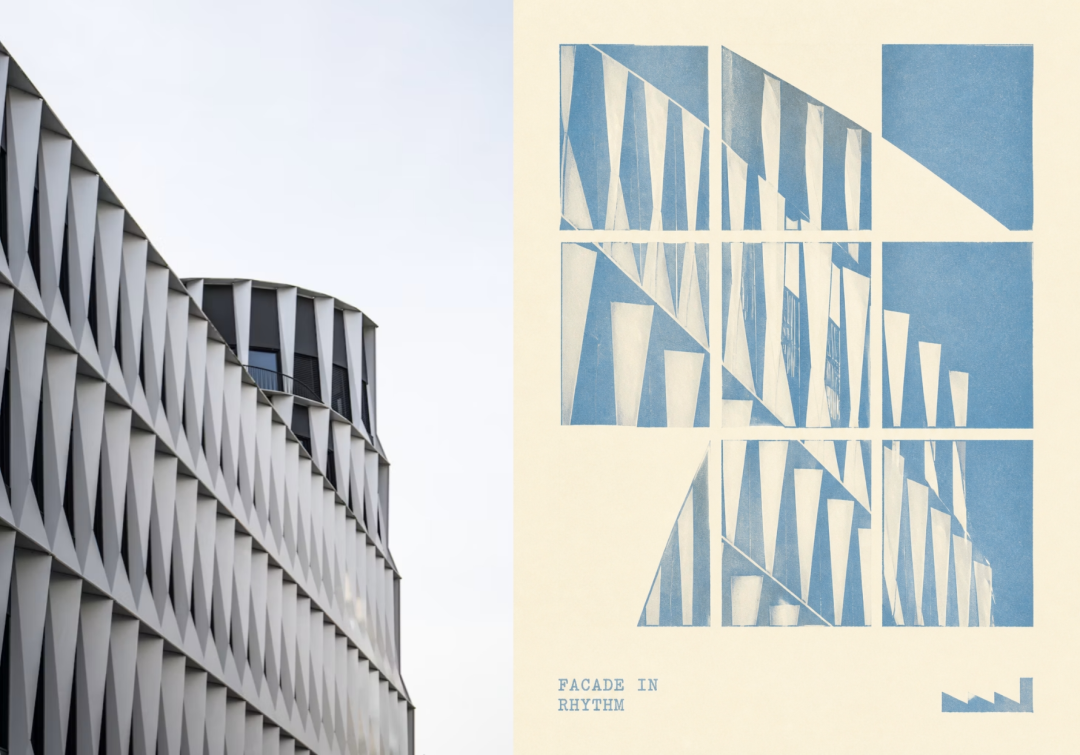
Storybook Illustration examples
Case gallery — examples from the first batch of Poster Studio outputs.
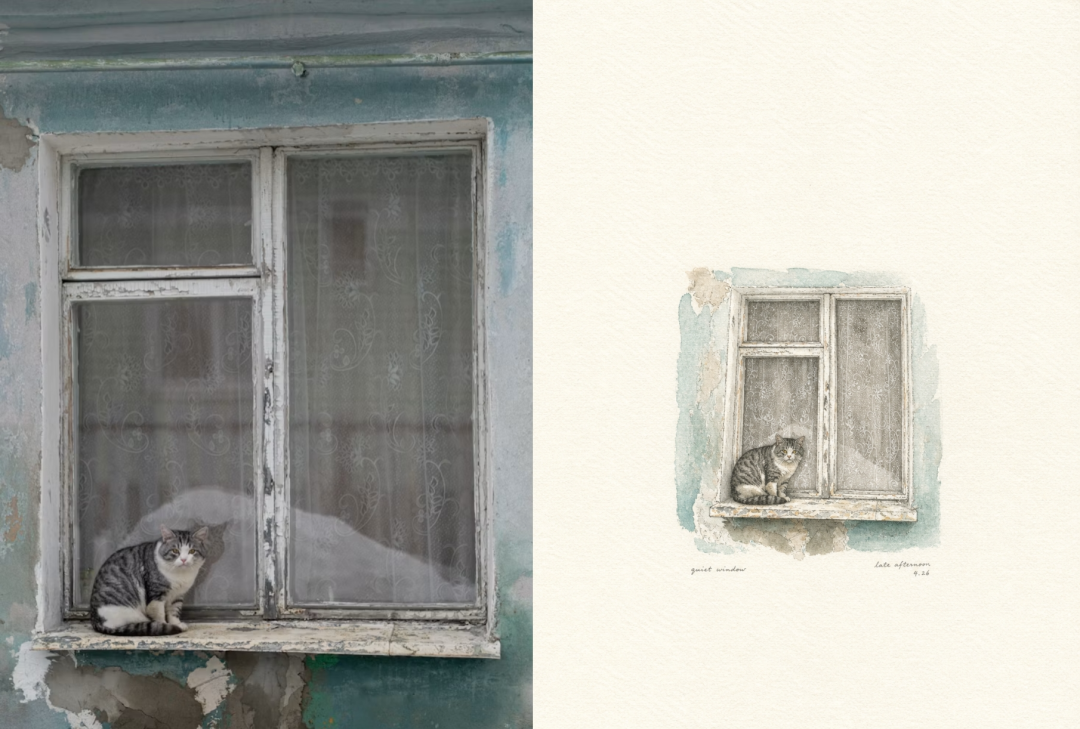
Cozy scene · picture book
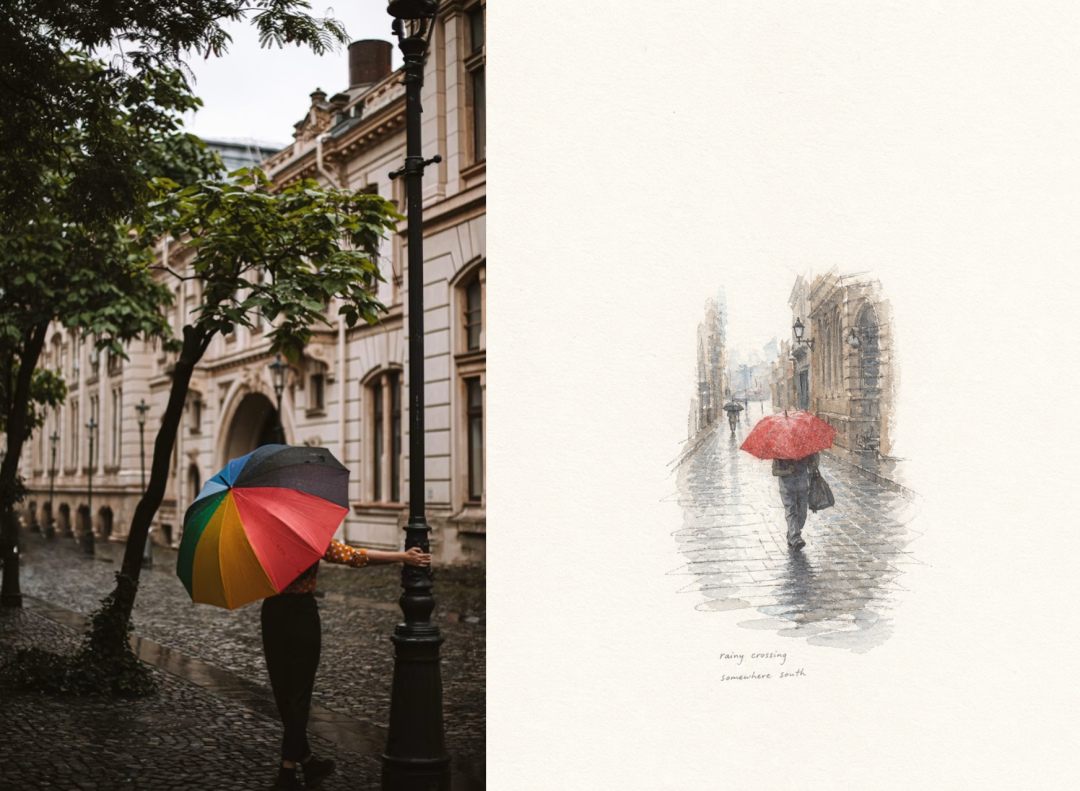
Outdoor moment · fairytale ink
Where storybook illustrations shine
Projects that need warmth, narrative, and a hand-made page feel.
Turn location or character reference photos into consistent illustrated spreads.
Newsletters, blogs, and essays get a friendly, literary opener image.
Family and pet photos become heirloom-style illustrated posters.
Product and founder photos become characters in a warm, illustrated brand universe.
How to steer the storybook style
Prompt controls that move between picture-book soft and older chapter-book ink.
Ask for "thick friendly outlines" for toddler books or "fine ink lines" for older readers.
Name "watercolor wash," "gouache," or "colored pencil" to change the paint texture.
Words like "whimsical," "cozy," "enchanted," or "bedtime" set the emotional tone.
References like "classic Golden Book" or "modern picture book" shift the color and proportion style.
What Photo to Storybook Illustration always includes
The default style builds a readable, warm illustration. Override line, color, or texture in the prompt.
Soft ink outlines
The subject is traced with warm, organic lines rather than hard digital edges.
Painterly color
Colors sit in gentle washes, avoiding flat RGB blocks or photoreal shading.
Friendly proportions
Forms are rounded and approachable, matching classic picture-book illustration.
Page texture
A subtle paper texture unifies the image so it feels printed in a bound book.
4:5 portrait crop
Locked ratio that mirrors a book page or vertical print.
Frequently Asked Questions
What does Photo to Storybook Illustration do?
It redraws one photo as a whimsical storybook illustration — soft ink outlines, gentle watercolor-like shading, warm palette, and page texture in a 4:5 portrait format.
What photos work best?
Portraits, pets, interiors, nature scenes, and family moments translate well. The AI keeps the composition but renders it in a friendly picture-book style.
Can I control the illustration style?
Yes. Edit the prompt to change line weight, color wash, mood words like "cozy" or "enchanted," or book-era references like "classic Golden Book."
What resolution is the output?
The tool renders at HD resolution in 4:5 portrait. The result looks like a finished book illustration and is ready for prints, covers, or social storytelling.
Is it free to try?
Yes — new accounts get free credits on signup. Each render costs image-model credits; no subscription is required to start.
Turn a photo into a storybook illustration
Upload one image, keep or edit the storybook prompt, and generate a 4:5 fairytale illustration in seconds. Free credits on signup, full commercial license.
No credit card · Free credits on signup · 4:5 portrait output · Commercial license