Halloween AI Photo Guide: People, Couples, Pets & Custom Looks
It restyles a reference portrait or pet photo into a seasonal scene. Choose a solo, couple, pet or masked look and check its input requirements. These are editable prompts, not guaranteed face-preserving filters.
A Halloween creation can start with an everyday photo or a look you have saved. Decide what you want to make, then choose the right references and workflow.
Explore real transformations →
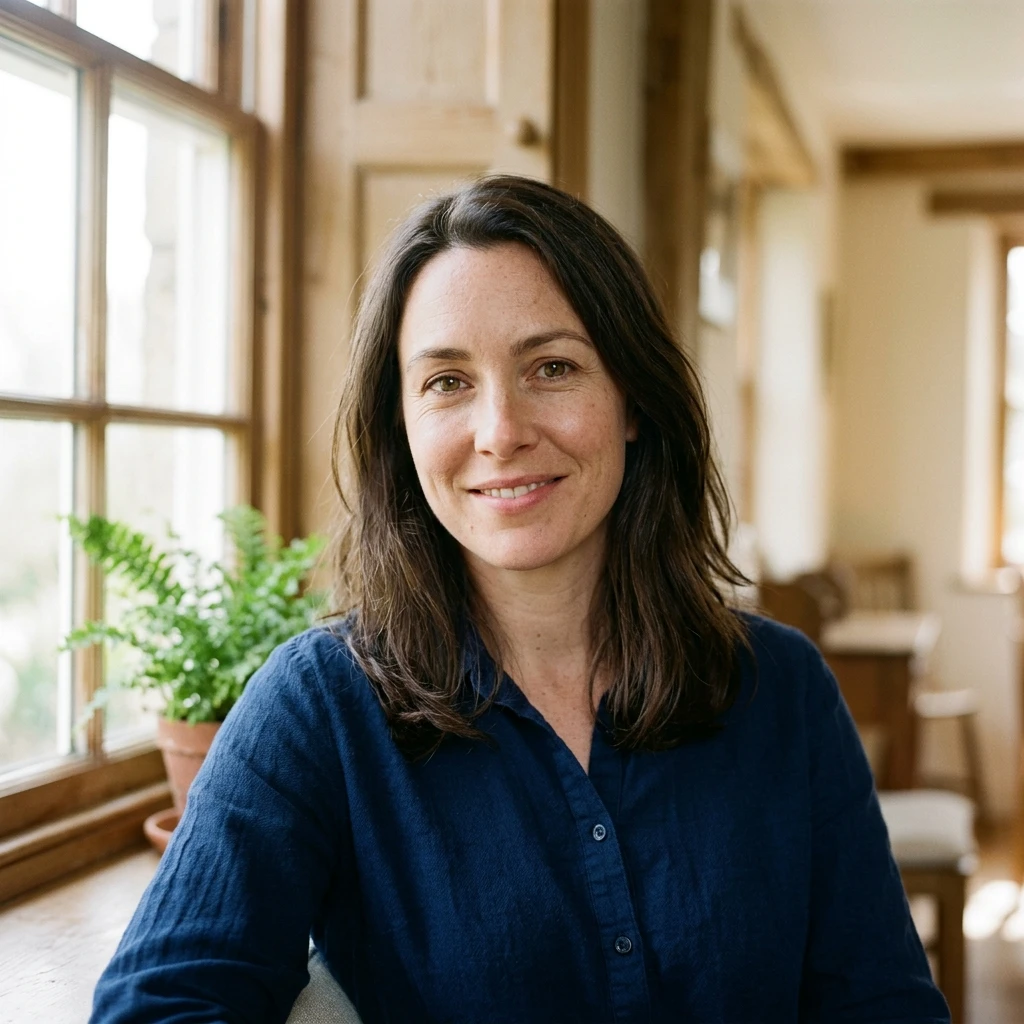
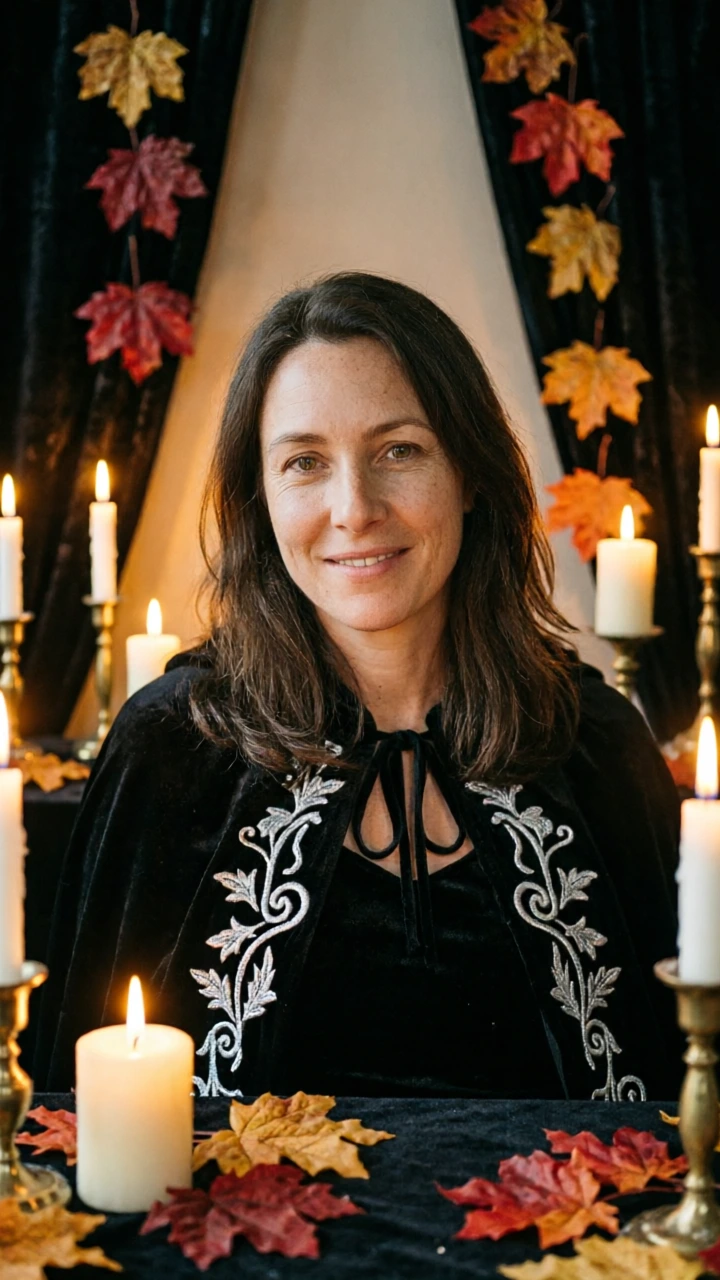
The examples use fictional AI adults and real generated outputs. Results vary with inputs.
Choose the creation for your occasion
For a seasonal avatar, try a gothic or playful ghost portrait. For a shared keepsake, choose a two-person look. For a festive pet post, try Pumpkin pet. The studio shows actual before-and-after results so you can assess a look before creating. Subtle motion and 15-second zombie stories are separate video tasks.
Prepare the right photo
Use one clear portrait for a solo look, or one shared photo with two visible adult faces for a couple look—not two separate portraits. For pets, show distinctive fur markings, paws and anatomy. Digital costume portraits do not require buying the costume.
Choose, upload, quote, create
Choose “Make this look” or “Create with my photo” from an idea card. The prompt is prefilled in the image composer. Upload your photo, confirm the credit quote, then generate. Compare and download the result. Unreviewed recipes and stock inspiration images are labeled so they are not confused with generated examples.
Bring your own reference if templates are not your style
Custom creation accepts a portrait plus a style reference. The first supplies identity; the second guides selected clothing, makeup, background and lighting. You can use suggested notes without writing a prompt from scratch. The dedicated guide includes a real three-image example and detailed steps.
Make the result worth sharing
Inspect likeness, eyes and hands at full size; for pets, inspect markings and paws. Choose a still image you like before animating it. Video generation is quoted separately. Models may alter faces and framing; a reviewed example is not a universal identity guarantee.
Free prompts, clearly priced generation
Copying prompts is free. Template photos and videos follow their live studio quotes. Dual-reference custom creation costs 99 paid credits per image, using purchased packs or subscription credits only. Free grants, check-in and referral credits cannot pay for this service or top up an insufficient paid balance.
Bring two images and create my own look →
Create and explore further
Frequently Asked Questions
Can I use my own photo?
How many references does custom creation need?
Can I use free credits for custom creation?
Is exact facial identity guaranteed?
Are downloads and animation charged separately?
Keep Reading
The ZNIX editorial team explains AI models using linked primary sources, dated availability checks, and clearly labeled examples. Documentation summaries are distinguished from hands-on benchmarks.
Create your Halloween photo
Copying prompts is free. Signed-in users may claim limited daily free credits when available. A reference-photo edit is covered only if its live quote fits your balance; the default allowance does not guarantee two costume photos. Check current packs for additional credits.
Create your Halloween photo